
Visit Singapura
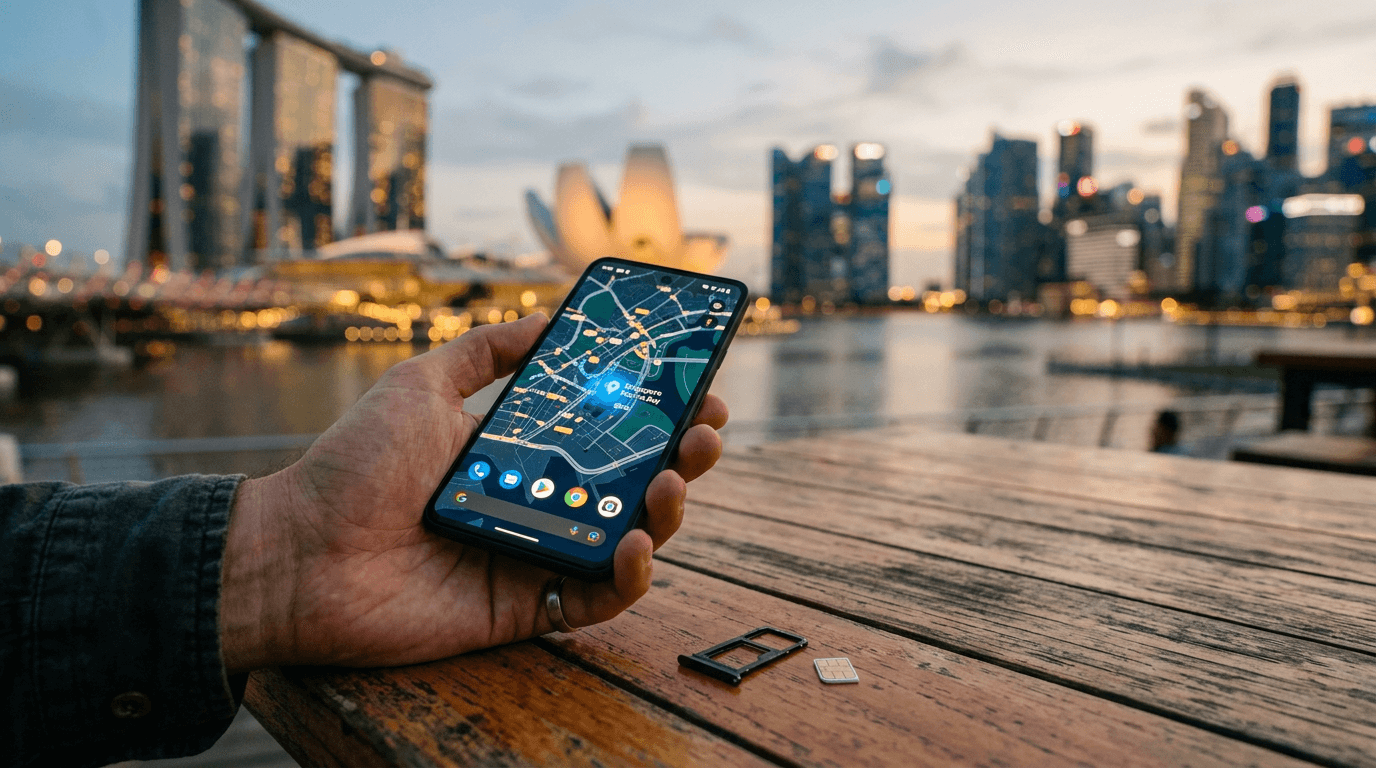
Traveller holding a smartphone with a SIM card in front of the Singapore skyline

Tourist SIM & internet

Stay connected in Singapore

Tourist SIM cards, eSIMs and free Wi-Fi, with where to buy, what you need and how to set it up.

Your options

Four ways to get online

Most visitors choose a tourist SIM or eSIM. Here is how each option compares.

  1. 1

    Physical tourist SIM

    Buy at the airport or a convenience store, register with your passport and swap it in. Works with any unlocked phone.

  2. 2

    Tourist eSIM

    Buy online before you fly, scan a QR code and go. Needs an eSIM-compatible, carrier-unlocked phone.

  3. 3

    Free public Wi-Fi

    Wireless@SG and airport Wi-Fi cost nothing, but are best as a backup rather than your only connection.

  4. 4

    Your home roaming plan

    Convenient but often costly. Check your provider’s daily pass price before you rely on it.

The three operators

Compare tourist plans

Singtel, StarHub and M1 all sell prepaid tourist plans, typically valid for 30 days. Prices are in Singapore dollars.

Singapore’s largest network

Singtel hi!Tourist

From S$12/ 30 days

Around 500GB to 700GB of local data, depending on plan

  • Unlimited local calls and SMS
  • Roaming data in selected Asia-Pacific destinations
  • Physical SIM and eSIM available
  • eSIM set up through the Singtel hi! app

Where to buy

Changi Airport (Travelex counters, Changi Recommends), 7-Eleven, Cheers and Singtel shops, or the Singtel website for eSIM.
Visit Singtel(opens in a new tab)

Plans from S$12 to S$30

StarHub Tourist SIM

From S$12/ 30 days

300GB local data on the S$12 plan, up to 400GB on eSIM Plus

  • Unlimited local calls and SMS on SIM plans
  • 15GB Asia-Pacific roaming data on the S$12 plan
  • Data-only eSIM at S$12, S$15 and S$30
  • Activate a data eSIM within 18 days of purchase

Where to buy

Changi Airport arrival halls (Prosegur money changers and Changi Recommends counters), selected StarHub resellers, or online for eSIM.

See StarHub plans(opens in a new tab)

Tourist eSIM with 5G

M1 Tourist SIM

From S$12/ 30 days

Data allowance varies by the plan you choose

  • 5G-ready tourist eSIM
  • Roaming benefits vary by plan
  • Register with your ID at purchase
  • Scan the QR code while on Wi-Fi to activate

Where to buy

M1 shops, Changi Airport counters, authorised retailers, or the M1 website for eSIM.

See M1 plans(opens in a new tab)

Plan details were summarised from operator pages in October 2026. Allowances, prices and promotions change, so check the operator link before you buy.

How it works

From landing to connected

  1. 1

    Check your phone

    Make sure it is unlocked. For an eSIM, confirm your model supports eSIM. If it does not, choose a physical SIM.

  2. 2

    Choose SIM or eSIM

    eSIM can be bought before you fly, so you land connected. A physical SIM is easy to collect at Changi Airport arrivals.

  3. 3

    Register with your passport

    Singapore requires prepaid SIMs to be registered. Carry your passport to the counter, or complete ID verification online for an eSIM.

  4. 4

    Install or insert

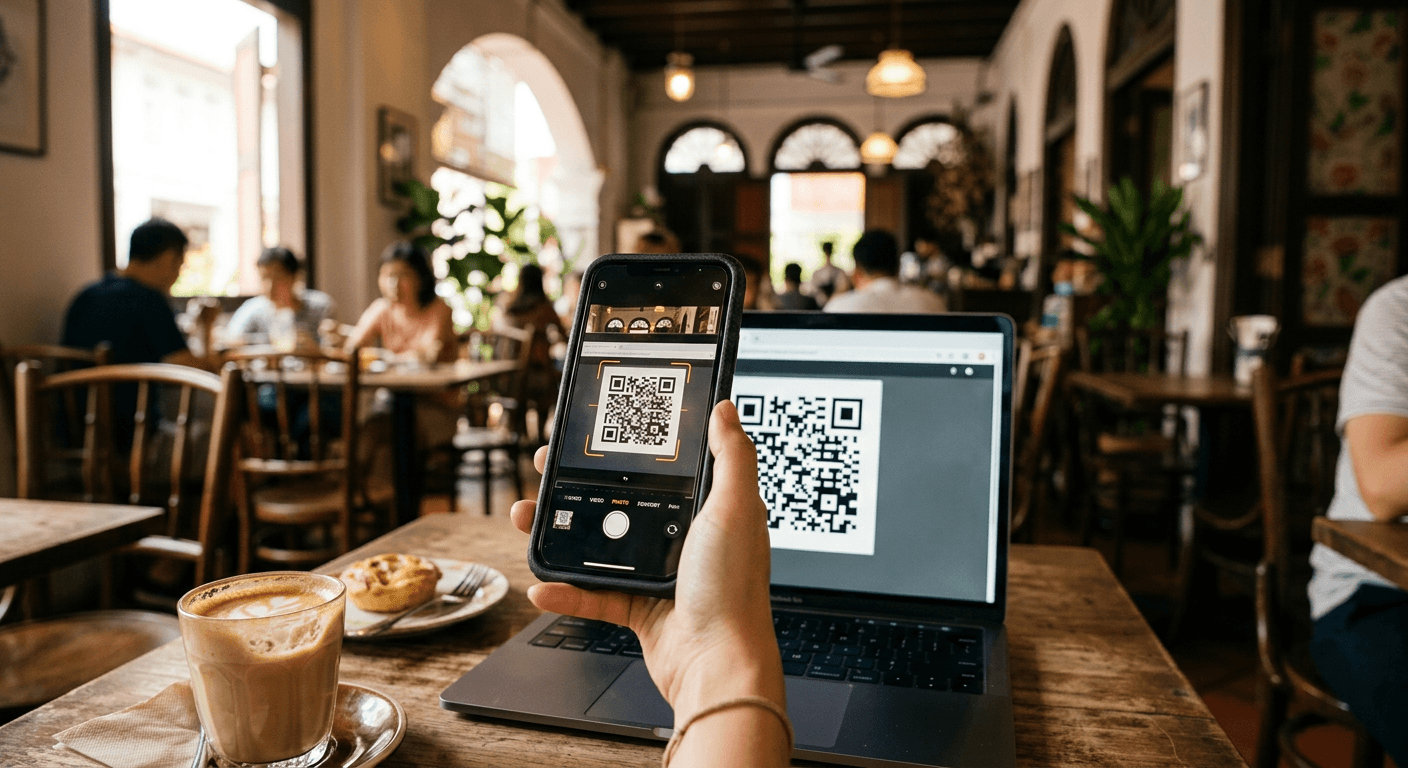
    For a physical SIM, staff usually activate it at the counter. For an eSIM, scan the QR code from your email or the operator app on Wi-Fi.

  5. 5

    Switch on data and roaming

    Set the new line for mobile data. Turn off data roaming on your home SIM to avoid surprise charges.

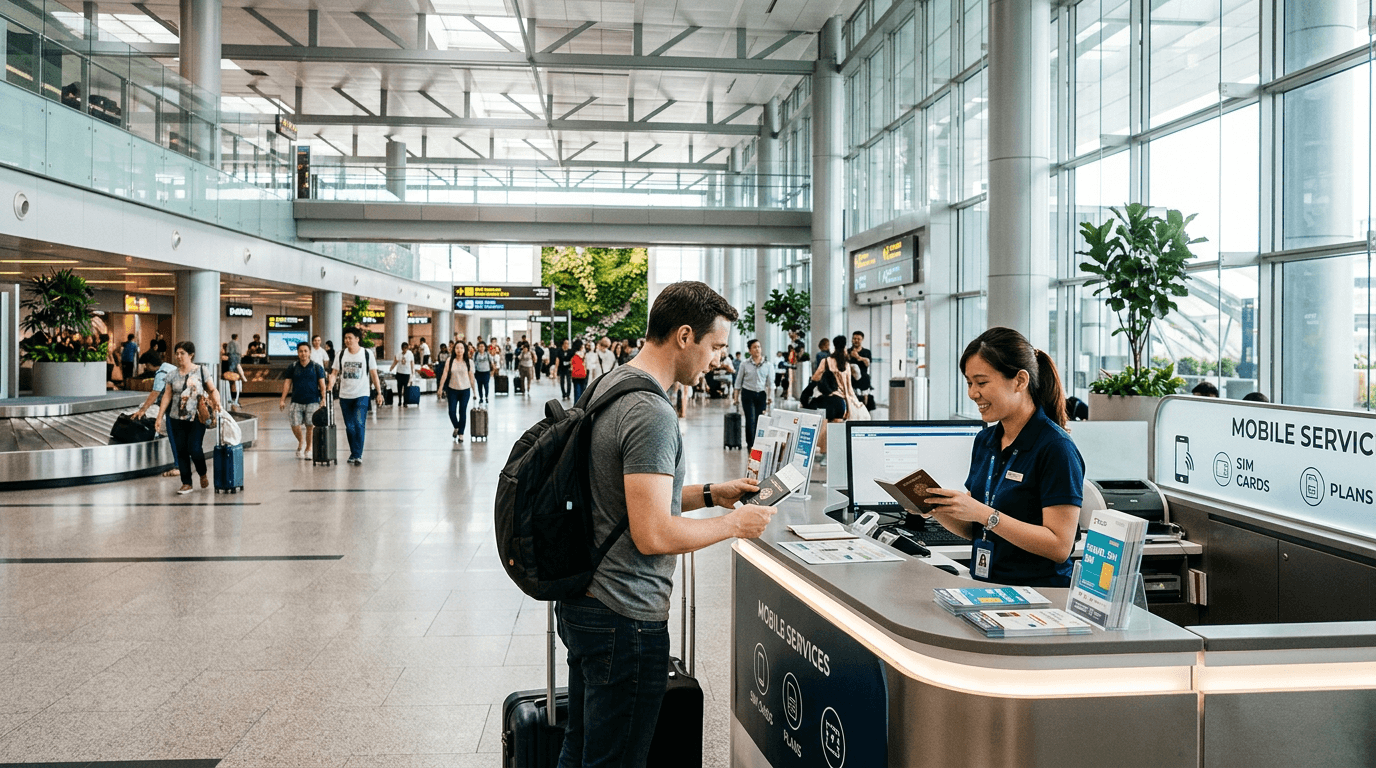
Mobile phone shop counter in the arrivals hall at Changi Airport

Registration

Why you need your passport

Singapore requires prepaid mobile SIM cards to be registered to a user. As a visitor, you will be asked to show your passport when you buy a physical SIM, or to verify your identity online when you buy an eSIM.

Counters at Changi Airport arrivals usually register and activate your SIM on the spot, so you can leave the terminal connected. Have your passport open at the photo page and your phone unlocked.

Only buy from the operators or their authorised retailers. Avoid street sellers or unofficial resellers, since an unregistered SIM may not work.

IMDA prepaid mobile services(opens in a new tab)

Free Wi-Fi

Wireless@SG and airport Wi-Fi

A handy backup, or a way to set up your eSIM before you leave the airport.

  • Wireless@SG is a free public Wi-Fi network run under the Infocomm Media Development Authority (IMDA).
  • You can find it at Changi Airport, transport hubs, malls and community centres.
  • Visitors can register with a local or foreign mobile number through the official Wireless@SGx app or portal.
  • Changi Airport also provides free Wi-Fi across its terminals, which is handy for setting up an eSIM on arrival.
  • Public Wi-Fi is less secure than mobile data, so avoid banking or entering passwords on it.

About Wireless@SG(opens in a new tab)Changi Airport Wi-Fi(opens in a new tab)

Visitor scanning an eSIM QR code on a phone at a Singapore cafe

Good to know

Smart tips for staying online

Land connected
Buy and install your eSIM before departure, then simply switch it on after landing.
Check the validity clock
Most tourist plans run for 30 days from activation. Some eSIMs must be activated within a set window after purchase.
Keep your home number
A data eSIM can sit alongside your home SIM, so you can still receive verification texts.
Skip airport queues
eSIM purchases are completed on your phone, so you can avoid the arrivals counter queue.
Hotspot and tethering
Local data allowances are large, but confirm the plan terms if you plan to share data with a laptop.
Top-ups
If you stay longer than 30 days, ask the operator about top-ups or buying a fresh tourist plan.

Official sources

Go straight to the source

Check current plans and rules directly with the operators and the regulator.

FAQ

SIM and internet questions

Do I need my passport to buy a SIM in Singapore?

Yes. Prepaid SIM cards must be registered, and tourists are asked to present a passport or valid ID at purchase or during online verification.

Is a physical SIM or an eSIM better for tourists?

An eSIM is faster and can be set up before you arrive, as long as your phone supports it. A physical SIM works with any unlocked phone and can be collected at Changi Airport.

How long does a tourist SIM last?

Most plans listed by the main operators are valid for 30 days. Always check the exact validity and any activation deadline for your chosen plan.

Can I use my phone to make calls to my home country?

Many plans include unlimited local calls and some international calling minutes. For long calls home, messaging and video apps over data are usually cheaper.

Will my phone work if it is carrier-locked?

Not usually. Ask your home provider to unlock your phone before you travel, otherwise a local SIM or eSIM may not work.

Is free Wi-Fi enough?

It works for light use, but coverage and speed vary and public networks are less secure. Most visitors prefer a tourist SIM for maps, rides and payments.

Connected? Start planning.

Turn your arrival into a day-by-day Singapore itinerary.

Plan your trip